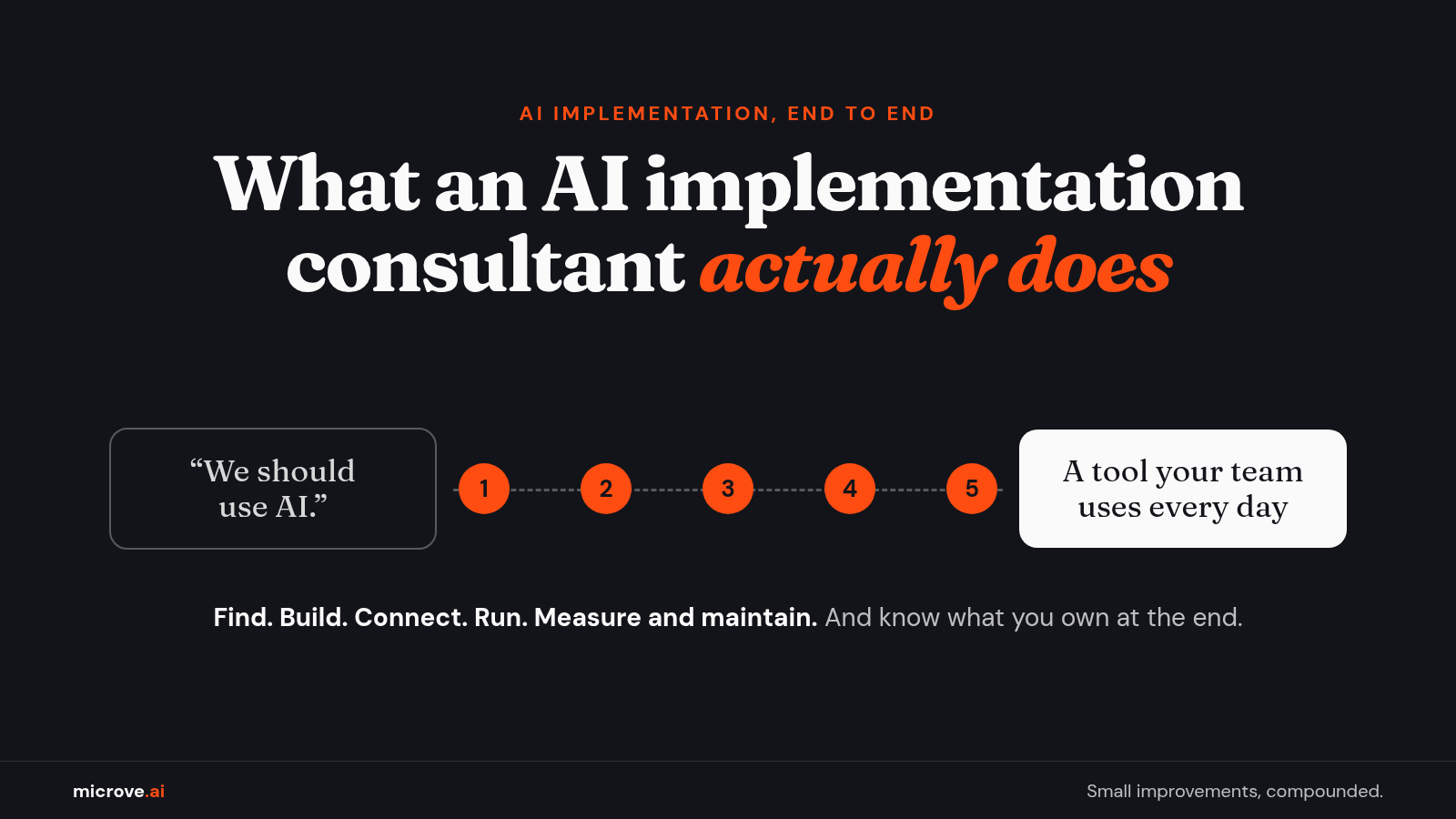
What an AI Implementation Consultant Actually Does
Five steps from "we should use AI" to a tool your team uses every day, and what you should own when the AI consultant leaves.
Someone in the leadership meeting says it: "We should use AI." Everyone nods. Then the meeting ends, and nobody knows what happens on Monday.
That gap is why people search for an AI consultant. But "consultant" covers a lot of ground. Some give advice. Some build. Some hand you a slide deck and a warm handshake.
Here is what the building kind does, step by step, and what you should own when the work is done.
What you are really hiring an AI consultant for
A slide deck has never answered a customer email. You hire help because you want a piece of work to get done faster, cheaper or with fewer mistakes.
That piece of work is a workflow: the chain of steps a task goes through. A customer email arrives, someone reads it, looks up the order, writes a reply and updates a spreadsheet. Each step takes a person's time.
An AI implementation consultant takes one workflow like that and puts a working AI tool into it. Not a plan to build one someday. A tool your team uses.
There is a reason to care about the full path, not only the build. In a Pax8 survey of small and midsize businesses (published Oct 12, 2026; an online survey of 1,150 technology decision-makers at companies with 5 to 499 employees in four countries, including 400 in the U.S.), 81% of U.S. businesses that use AI said they had built AI tools that are now in use.
Only 36% of those builders said they have a formal, documented review process. It is one company's survey and a small group, so treat it as a signal. The point for a buyer: plan for the work after the build, not only the build.
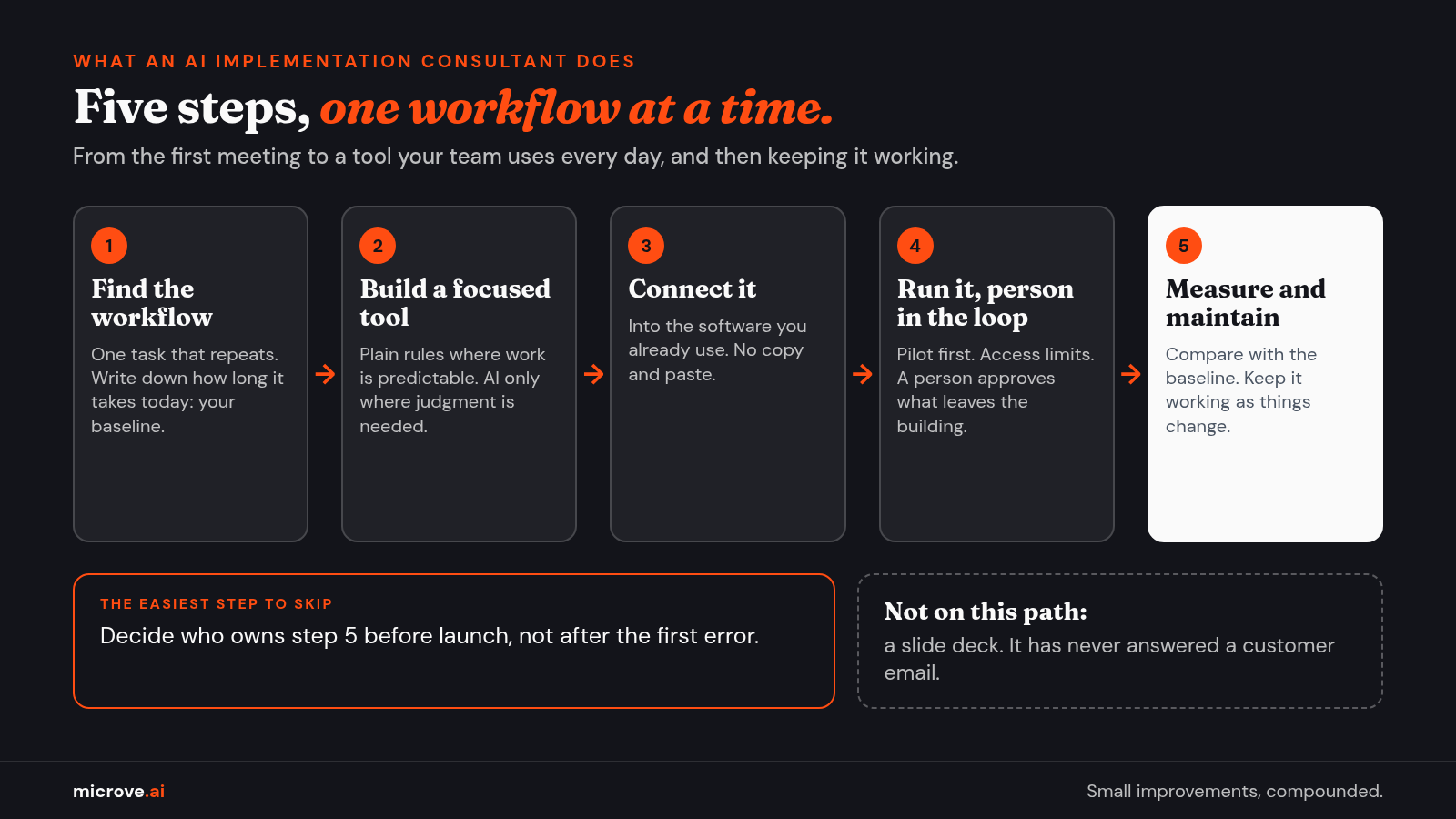
What an AI implementation consultant does: five steps
The job runs from "find the problem" to "keep the tool working." Here are the five steps.
- Find the workflow. Talk to the people who do the work. Pick one task that repeats, eats time and follows clear steps. Write down how long it takes today. That number is your baseline, the starting value you measure against later.
- Build a focused tool. Build for that one workflow, not for "the business." Use plain rules where the work is predictable and AI only where judgment is needed, such as reading a messy email. A model, the trained program that reads text and writes a reply, is one part of the tool, not the whole tool.
- Connect it to the software you already use. This is integration: the connection that lets two programs pass data so nobody copies and pastes. It often runs through an API, a door one program opens so another can ask it for data or actions.
- Run it with a person in the loop. Start with a pilot: a small trial on real work with a few users. Set access limits, meaning which data the tool can read and which actions it can take. A person approves anything that leaves the building, such as a message to a customer.
- Measure and maintain. Compare the result with the baseline. Then keep the tool working as your software, your data and your process change. The voluntary NIST AI Risk Management Framework (January 2023) says an AI system's behavior should be "monitored when in production." Production simply means real, daily use.
Step 5 is the easiest one to skip.
The same Pax8 release says a business that deploys an AI agent (an AI tool that takes actions, not only answers) "takes on work that used to belong to software vendors: maintaining what it built, securing it and paying for the compute it consumes." Compute is the computing power the tool uses each time it runs. Someone has to own that work. Decide who before launch, not after the first error.
What goes into an AI implementation plan
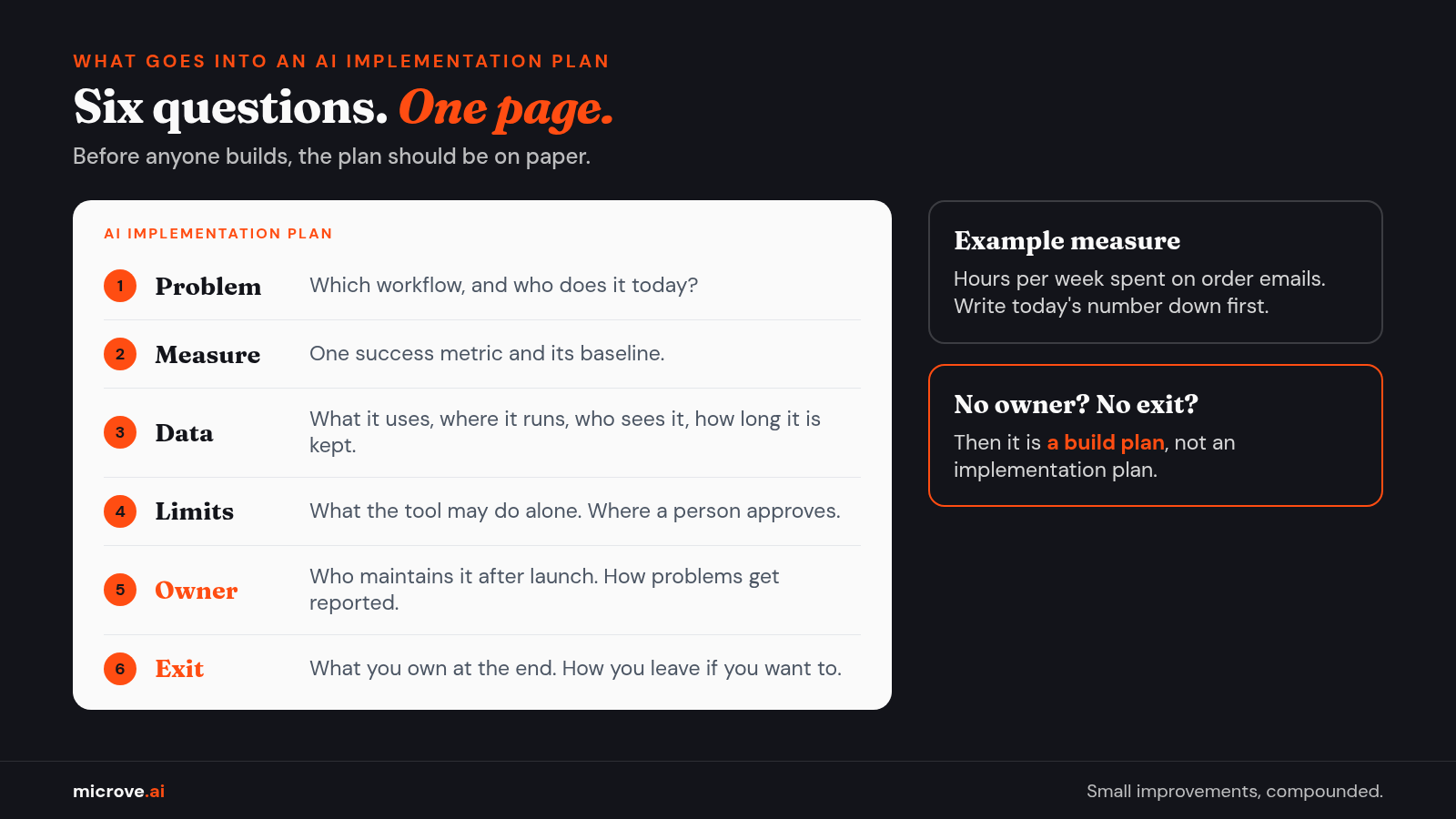
Before anyone builds, the plan should be on paper. An AI implementation plan does not need to be long. It needs to answer six questions.
- The problem. Which workflow, and who does it today?
- The measure. One success metric and its baseline. For example, hours per week spent on order emails.
- The data. Which data the tool uses, where it runs, who can see it and how long it is kept.
- The limits. What the tool may do on its own, and where a person reviews or approves.
- The owner. Who maintains the tool after launch, and how problems get reported.
- The exit. What you own at the end, and how you leave if you want to.
If a plan skips the owner or the exit, it is a build plan, not an implementation plan. For what the first month of work should produce, phase by phase, see What AI consulting should deliver in the first 30 days.
What you should own at the end
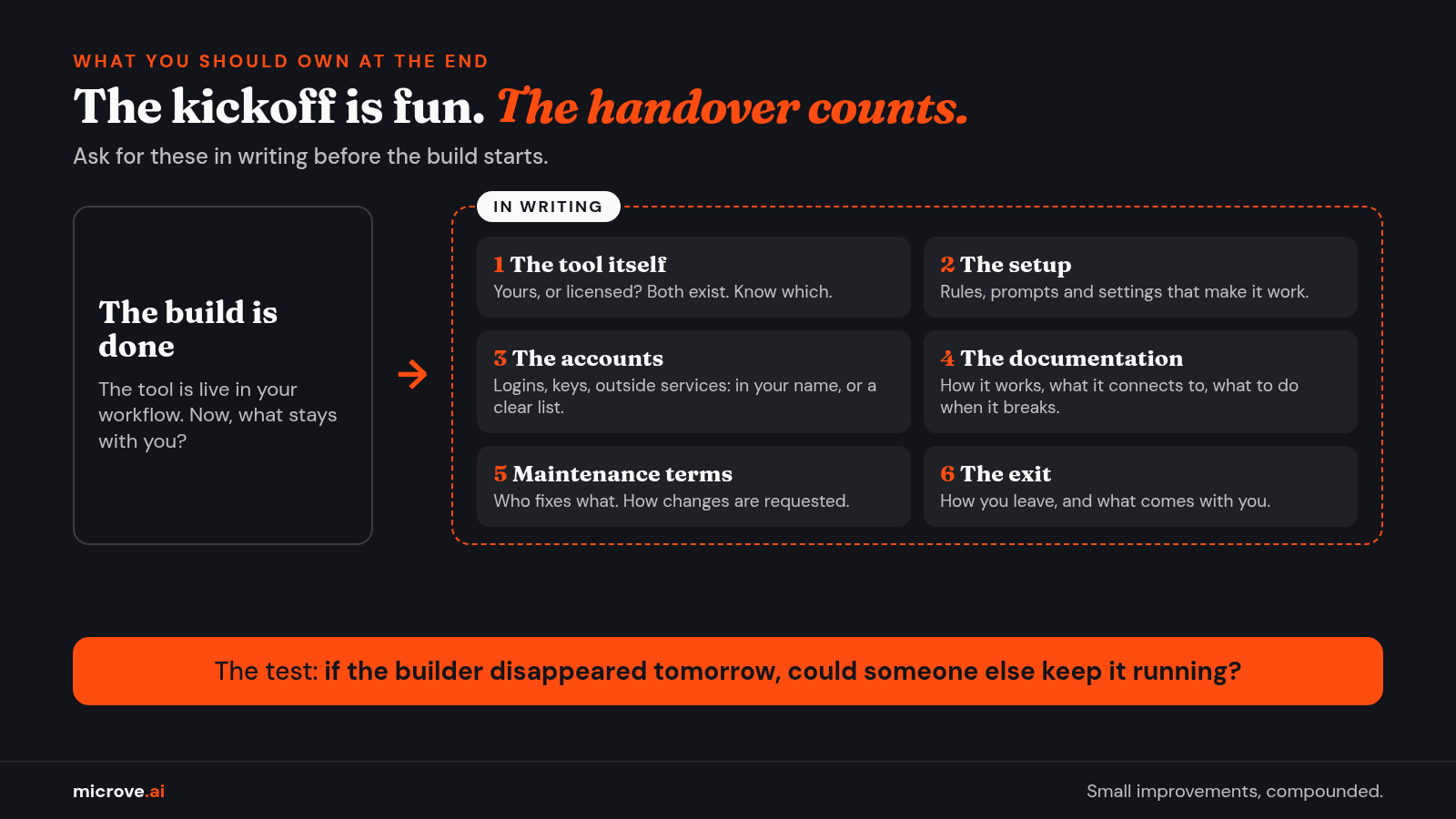
The kickoff meeting is fun. The handover is what counts. Ask for these in writing before the build starts:
- The tool itself. Is custom work built for you yours, or licensed? Both exist. Know which one you are buying.
- The setup. The rules, prompts and settings that make it work. A prompt is the instruction the tool gives the AI model.
- The accounts. Logins, keys and outside services in your company's name, or a clear list of who holds them.
- The documentation. How it works, what it connects to and what to do when it breaks.
- The maintenance terms. Who fixes what, and how changes are requested.
- The exit. How you leave, and what comes with you.
A good test: if the person who built it disappeared tomorrow, could someone else keep it running?
Questions buyers ask
Do I need an AI implementation consultant? Not always. If a simple automation or a setting in software you already pay for solves the problem, use that. Start with the workflow, not the technology.
What is the difference between an AI consultant and an AI implementation consultant? An AI consultant may only advise. An AI implementation consultant also builds the tool, connects it to your software, runs it and maintains it. Ask which one you are talking to.
Is a small business AI consultant different? The steps are the same. The scope is smaller: one workflow, a few users, a clear measure.
How much does it cost? It depends on the workflow, the data and the software involved. A serious provider looks at the workflow before giving a price.
See also: twelve questions to ask before you sign.
How Microve does it
We are not a strategy firm. We build working tools, end to end: find the workflow, build the tool, connect it to the software you already use, run it (on our server if you prefer), and keep it working.
It starts with a free consultation of one to three meetings. If you decide to move forward, an optional paid scoping engagement follows and ends in a build proposal. Then you decide.
Custom work we build for you is yours. If we adapt one of our own products for you, you get a license to it. Maintenance after launch is optional.
If you don't need AI, we'll tell you.
See also: our AI implementation services.