Dinner, Bills and the Shopping List: A Day with ChatGPT
Follow one busy Saturday as ChatGPT helps plan dinners by voice, read a fridge photo, compare labels and decode a bill.
Part 2 of 6 in ChatGPT for Daily Life. All six parts of ChatGPT for Daily Life.
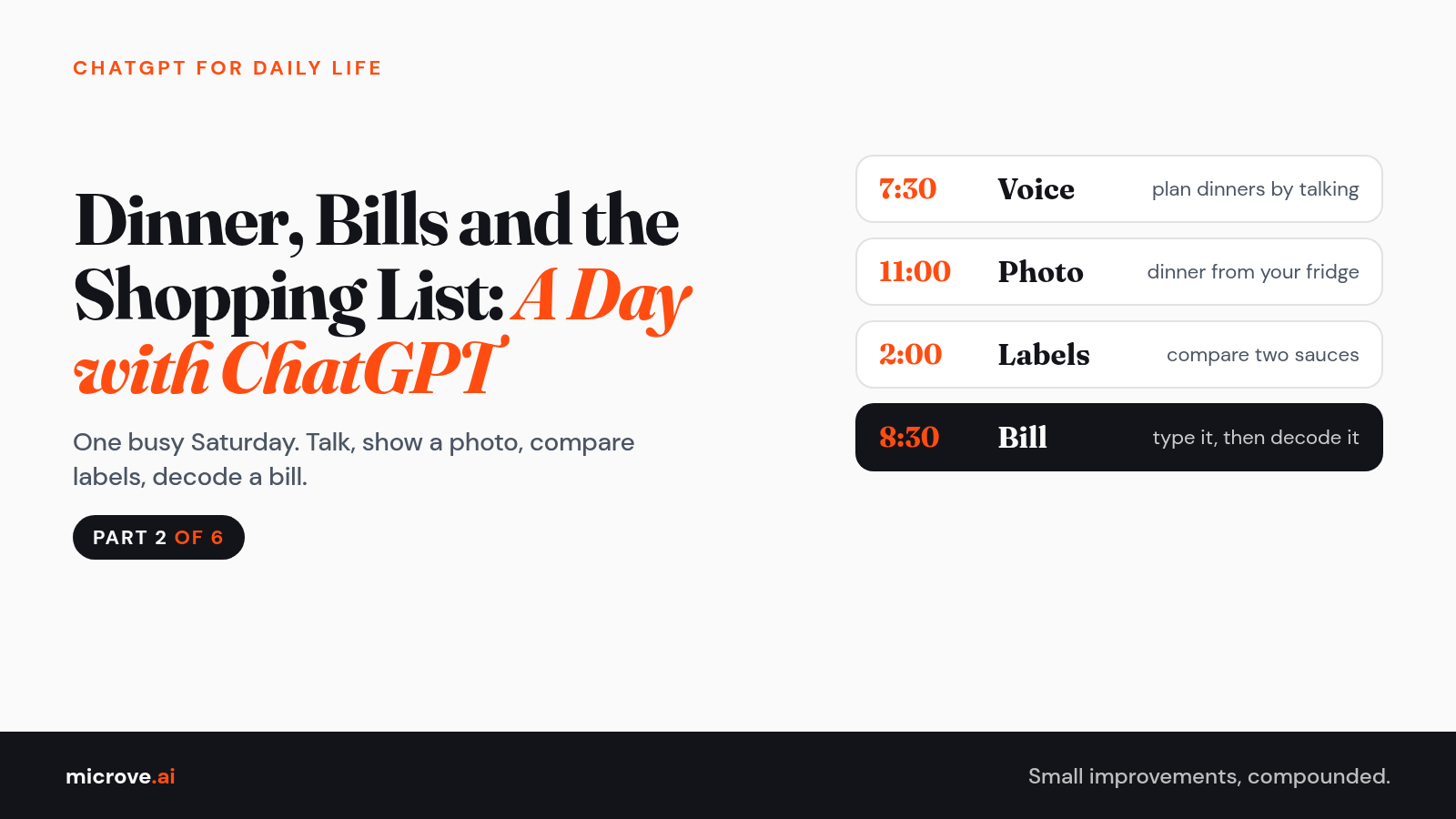
Meet Dana. She is made up, but you know her. Two kids, a fridge full of "something" and a bill she has avoided since Tuesday.
This is not about work. It is one ordinary Saturday with ChatGPT on her phone. Steal her moves.
In Part 1 you learned the loop: ask, read, follow up. Today Dana talks instead of typing, and shows photos instead of describing.
Three ways to "show and tell"
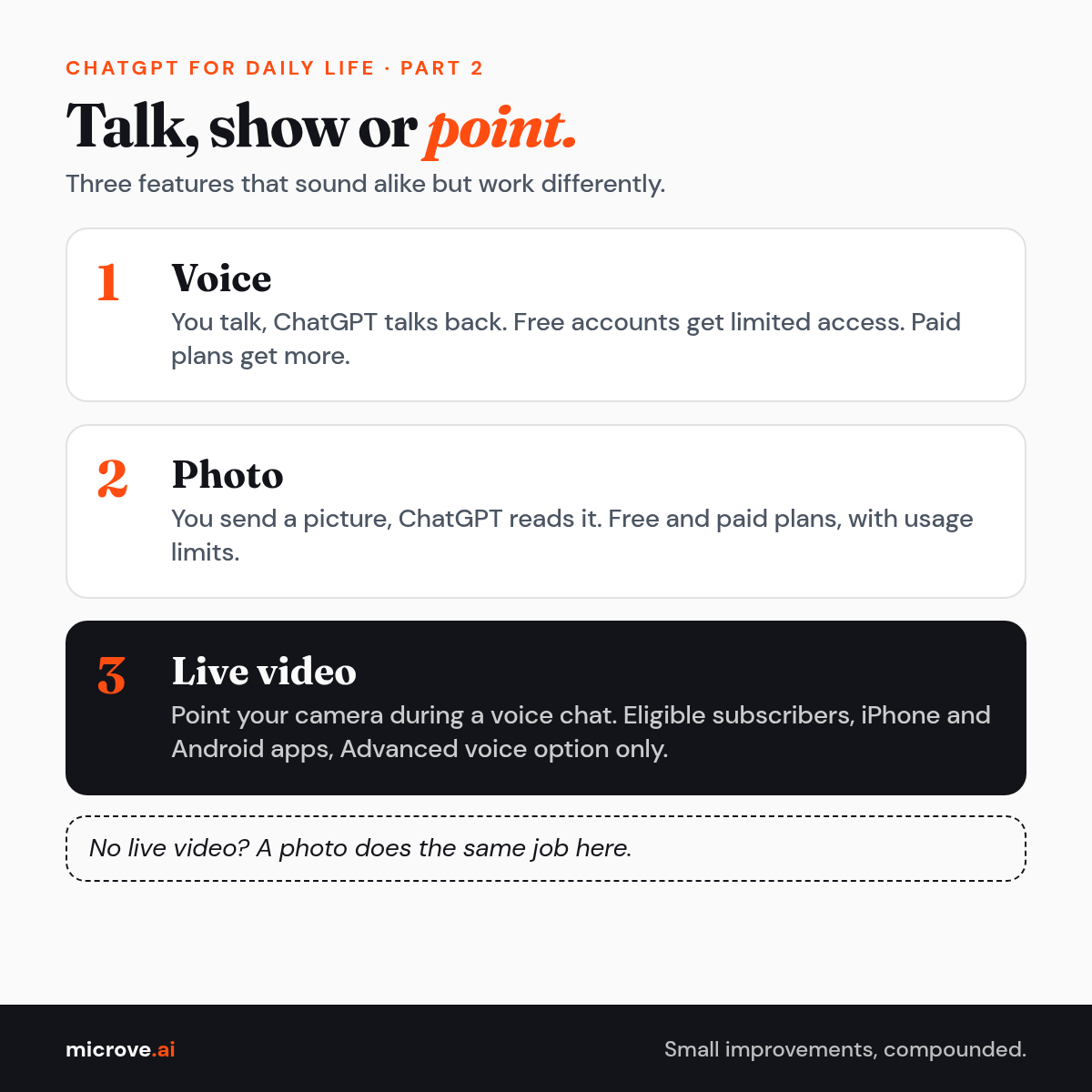
- Voice: you talk, ChatGPT talks back. OpenAI calls it ChatGPT Voice. Free accounts get limited access, and paid plans get more.
- Photo: you send a picture, ChatGPT reads it. OpenAI says image inputs work on Free and paid plans, with usage limits.
- Live video: during a voice chat, you point your camera and talk about what it sees. OpenAI says this is for eligible subscribers in the iPhone and Android apps, only in the Advanced voice option. Not every plan.
No live video? A photo does the same job here.
7:30 AM: breakfast, by voice
Coffee in one hand. Typing is out.
- Open the ChatGPT app and select the Voice icon in the message bar.
- If asked, allow ChatGPT to use the microphone.
- Start talking. With the Live option, you can interrupt as you talk.
Copy this prompt (or say it):
Help me plan five dinners for this week. Two adults, two kids, one picky eater who hates anything green. Thirty minutes or less on weeknights. Ask me two questions before you start.
After the call, the transcript appears in the chat. OpenAI notes it may not match word for word.
11:00 AM: the fridge photo
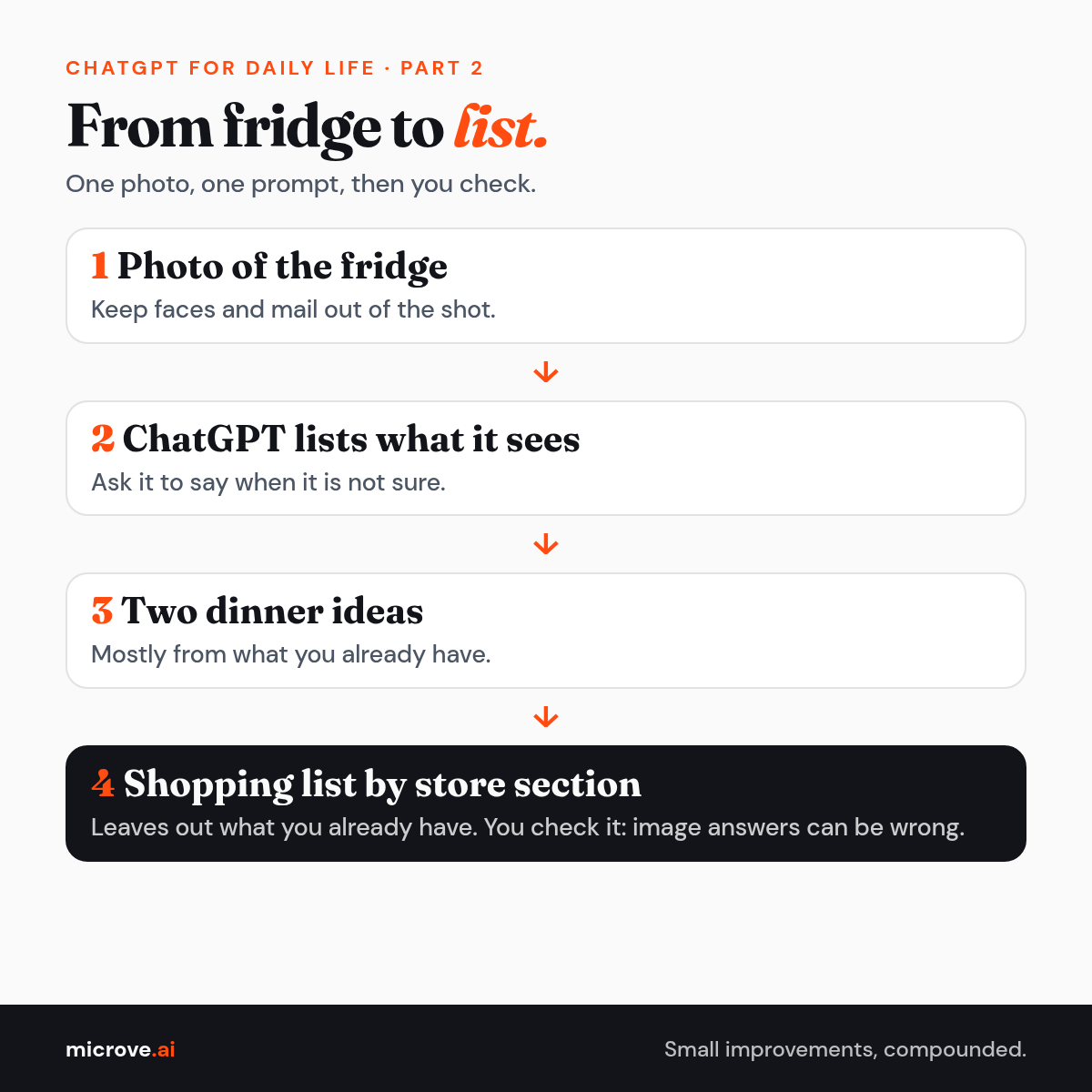
Dana opens the fridge. Eggs, half a bag of spinach, rice, two chicken thighs, feta and a mystery jar.
- Take a clear photo of the open fridge with your phone. Keep faces and mail out of the shot.
- In ChatGPT, tap the + icon and select Add photos & files, then pick the photo.
- Add the prompt below and send.
Copy this prompt:
This is my fridge. List what you can see, and tell me if you are not sure about something. Then give me two dinner ideas for tonight using mostly these items. After that, turn this week's dinner plan from earlier into one shopping list grouped by store section, leaving out what I already have.
OpenAI says image answers can be wrong.
2:00 PM: the grocery aisle
Two pasta sauces. Same price. Different labels.
- Take one photo of each Nutrition Facts label, close enough to read the numbers.
- Add both photos to one chat with the prompt below.
- If your plan offers live video, you can switch to Advanced in Settings, then Voice, start a voice chat and select the camera button. If not, the photos work fine.
Copy this prompt:
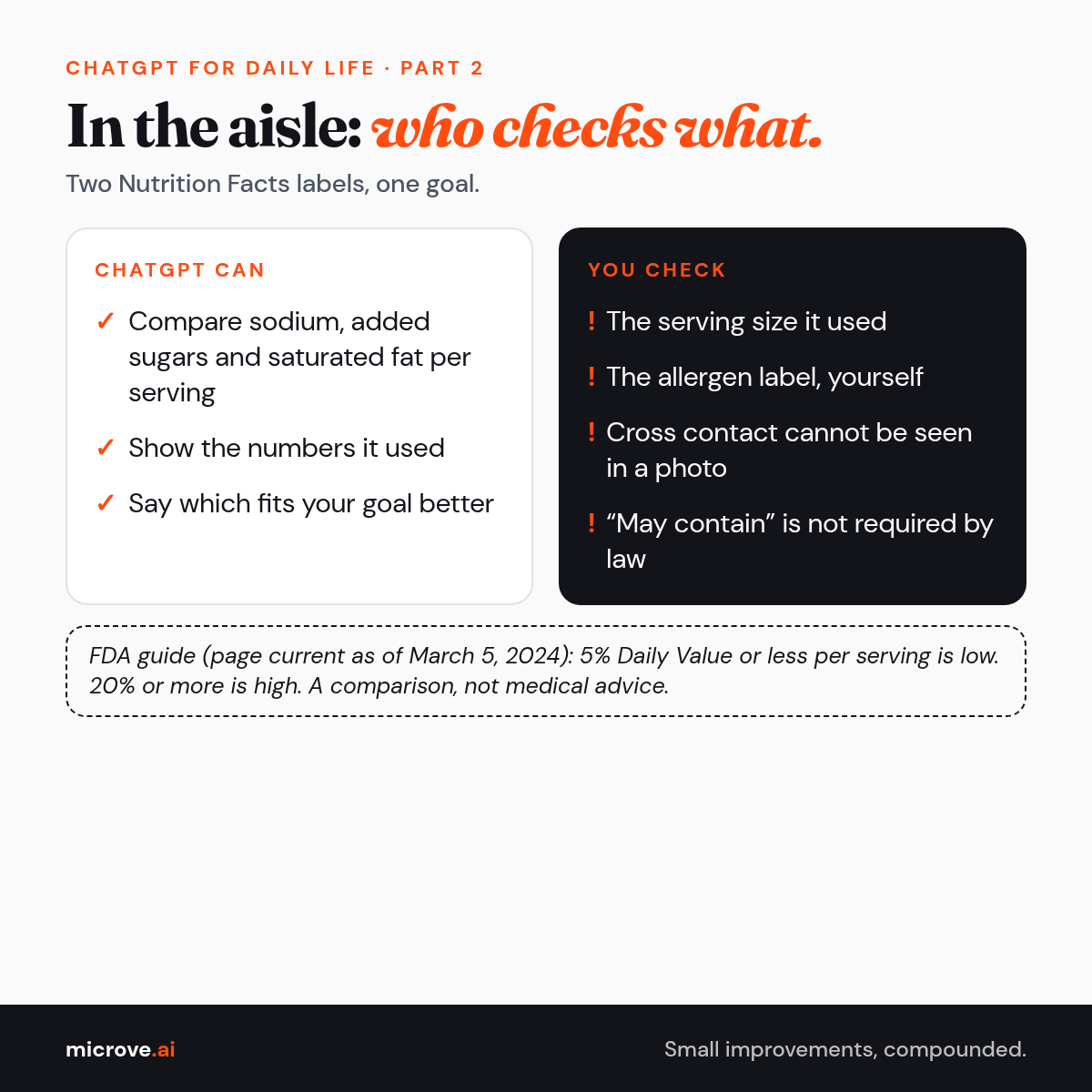
Here are the Nutrition Facts labels for two pasta sauces. Compare them per serving: sodium, added sugars, saturated fat and serving size. I want less sodium and less added sugar. Which one fits that goal better, and what numbers did you use? Do not tell me what is healthy for me personally.
The FDA explains that 5% Daily Value or less per serving is low and 20% or more is high (FDA page current as of March 5, 2024). Check the serving size it used. This is a comparison, not medical advice.
Her son is allergic to peanuts. ChatGPT cannot guarantee any food is safe for an allergy.
The FDA tells people with food allergies to always read food labels. "May contain" warnings are not required by law, so no warning is not proof. Cross contact, when an allergen gets into food by accident, cannot be seen in a photo.
8:30 PM: the budget and the bill
Kids asleep. Dana types the confusing lines instead of photographing the bill, which shows her name and account number.
- Type the confusing lines from the bill. Leave out your name, address and account number.
- Ask what it means and what they want by when, plus a polite email if something looks wrong.
- Get the company's contact details from the bill or its official website, not from the chat.
Copy this prompt:
Explain these lines from my electricity bill in plain words: [type the lines, no personal details]. What is each charge, what do they want me to do, and by when? I think I was charged twice for [service]. Write a short, polite email asking them to check and correct it.
The bill and the company are the final word, not the chat. USAGov suggests contacting the company first and gathering records like receipts and emails. Skip the speech you practiced in the shower.
For the budget, the CFPB, a US government agency, suggests four steps: your income, your spending, your bills with due dates, then a working budget.
Copy this prompt:
Help me make a simple monthly budget. Take home pay: [amount]. Bills: rent [amount] due on the [day], electricity about [amount], phone [amount], internet [amount]. Groceries about [amount], gas about [amount]. Show what is left in a table. Then ask me three questions before suggesting where to cut back.
Check the math with a calculator. OpenAI says ChatGPT can sound confident and still be wrong.
A short safety tip
Before any photo, check the edges: no faces, no other people, no mail with your address, no prescription labels, no cards. For bills, type a short excerpt instead of a photo. OpenAI asks users not to share sensitive information in their chats.
Try this today
- Open your fridge tonight.
- Take one photo, or just say what you see in a voice chat.
- Ask for one dinner idea under 30 minutes.
- Follow up once: "make it simpler."
Next Saturday, Part 3: a workout buddy, not a doctor. All six parts of ChatGPT for Daily Life.